Which 4K Gaming Console Fits Your Setup?
If you are buying a 4k video game console, the best choice is less about the logo on the box and more about your TV, favorite games, and how much you care about smooth performance versus maximum detail. PS5 Pro is the premium PlayStation pick, Xbox Series X is the strongest all-around Xbox option, PS5 is the safer mainstream buy, and Nintendo Switch 2 makes the most sense if portable play matters.
Best 4K video game consoles today
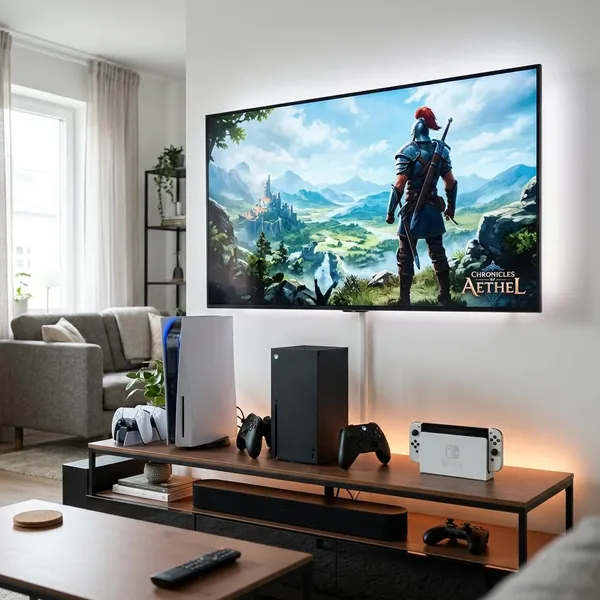
The current 4K console choice is fairly clear once you separate raw power from real-life use. A player with a large OLED TV and a stack of cinematic single-player games will probably value different things than a family sharing one living room TV or someone who mostly plays in handheld mode.
Use the console's strengths as the first filter, then worry about smaller spec differences.
| Console | Best fit | Think twice if... |
|---|---|---|
| PS5 Pro | You want the best PlayStation visuals on a strong 4K TV | You are a casual player or use an older display |
| Xbox Series X | You want power, Game Pass value, backward compatibility, and media support | PlayStation exclusives matter more to you |
| PS5 | You want balanced 4K gaming without paying for the premium model | You specifically want the highest PlayStation image quality available |
| Nintendo Switch 2 | You want Nintendo games, handheld play, and 4K TV output for supported content | Your main goal is maximum graphics performance |
PS5 Pro for high-end 4K visuals
PS5 Pro is the choice for players who notice image softness, unstable performance, or weaker graphics modes on a big 4K screen. Its appeal is not that every game suddenly becomes native 4K, but that supported games can have more room for sharper reconstruction, steadier frame rates, or richer visual settings.
It makes the most sense if you buy major PlayStation releases near launch and play them on a 55-inch or larger 4K TV. If you mostly play sports games, older titles, or a few casual multiplayer games, the upgrade may feel expensive for the difference you actually see.
Xbox Series X for powerful 4K gaming
Xbox Series X is the easiest recommendation for someone who wants one powerful box under the TV. It handles 4K gaming well, supports modern display features, works as a strong media device, and has the advantage of Game Pass if you like trying many games instead of buying each one separately.
- Best for: Game Pass users, existing Xbox players, and living room setups.
- Main advantage: Strong hardware plus backward compatibility and UHD Blu-ray support.
- Main trade-off: It only makes sense if the Xbox library and services suit your taste.
PS5 for mainstream 4K play
The standard PS5 is still the practical sweet spot for many buyers. You get fast loading, strong controller features, 4K output, HDR support, and access to the same core PlayStation library without paying for the Pro model.
This is the console I would look at first for a normal household upgrade from PS4, Xbox One, or an older system. On a mid-sized 4K TV from a typical couch distance, it already looks sharp enough that many players will care more about the games than the missing Pro-level enhancements.
Nintendo Switch 2 for portable 4K TV play
Nintendo Switch 2 should be judged as a hybrid console, not as a direct power contest against PS5 Pro or Xbox Series X. Its value is being able to play Nintendo games on the TV, then undock and keep playing elsewhere.
For a shared home, that flexibility can matter more than graphics. A child using handheld mode while someone else uses the TV, or an adult playing on a commute and docking later, gets a type of convenience the other consoles do not offer. Just do not buy it expecting the same visual ceiling as the most powerful home consoles.
What does 4K mean on a game console?
On a console, 4K usually means output to a 3840 x 2160 display. It does not guarantee that every game is rendered internally at full 4K resolution every second. Modern games often use a mix of native rendering, dynamic resolution, and upscaling to balance sharpness with frame rate.
This distinction matters because "4K support" on a product page can sound more absolute than it is. A game running at a slightly lower internal resolution but a stable 60 FPS can feel better than a native 4K mode that looks sharper in screenshots but feels sluggish while playing.
Native 4K renders at full resolution
Native 4K means the game is rendered at 3840 x 2160 before being sent to your TV. It can look very clean, especially with fine textures, distant objects, and text-heavy interfaces, but it is demanding and may come with lower frame-rate targets in some games.
Dynamic 4K adjusts resolution during play
Dynamic 4K changes the internal resolution depending on how demanding the scene is. A quiet area may run close to full 4K, while a busy battle or dense city scene may drop lower to keep the frame rate steadier.
For most players, this is a sensible trade. From a normal couch distance, dynamic resolution changes are often less noticeable than stutter, tearing, or heavy slowdown.
Upscaled 4K starts below full resolution
Upscaled 4K starts from a lower internal resolution and uses scaling or reconstruction to create a 4K output image. Good upscaling can look surprisingly sharp, while weaker scaling can look softer around edges, hair, foliage, or fast motion.
Key features to compare on a 4K gaming console
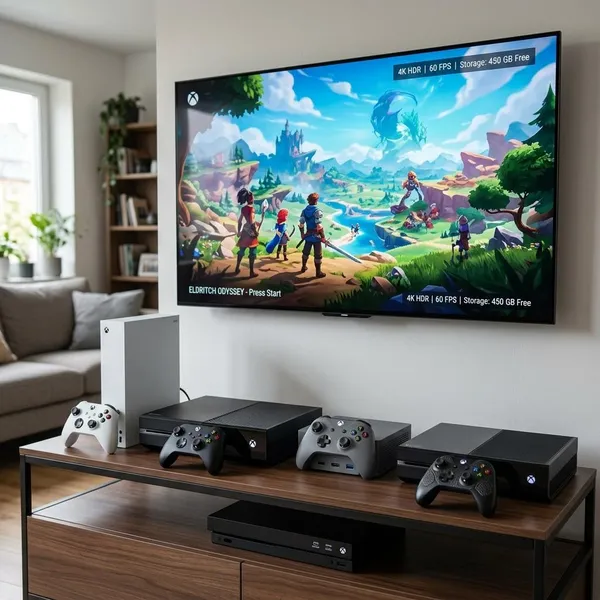
Start with the features you will actually feel in use: frame rate, HDR, VRR, storage, and the games available on the platform. Resolution matters, but it is only one part of the experience. A console that fits your TV and habits will usually feel better than one that only wins in a spec comparison.
Resolution and frame rate
Resolution controls sharpness; frame rate controls how smooth and responsive the game feels. For shooters, racing games, fighting games, and competitive multiplayer, 60 FPS or higher often matters more than squeezing out the sharpest possible image.
For slower adventure games or cinematic single-player titles, you may prefer a quality mode with richer visuals. The useful check is simple: look for games that offer both performance and quality modes, then choose the mode that feels better to play rather than the one that sounds better on paper.
HDR and VRR support
HDR can make bright highlights, dark scenes, and colorful effects look better, but only if your TV has decent HDR performance. A weak HDR TV may show the badge without delivering much visible improvement.
- HDR is worth caring about if your TV gets bright enough and handles contrast well.
- VRR is useful when frame rates fluctuate slightly and you want smoother-looking motion.
- HDMI 2.1 helps with features such as 4K at 120Hz and VRR, though you can still play without it.
Ray tracing and upscaling
Ray tracing improves lighting, reflections, and shadows, but it can be expensive for performance. Upscaling is often the more practical everyday feature because it helps a game look sharp while leaving room for smoother motion or better effects.
If you are comparing consoles, do not just ask whether ray tracing exists. Ask whether the games you care about use it in a way that is worth the frame-rate cost. In some titles, a performance mode with good upscaling is the better choice.
SSD speed and storage
SSD speed affects the small moments you notice constantly: booting a game, fast traveling, restarting after failure, and switching between titles. It is one of the biggest quality-of-life upgrades over older consoles.
Storage needs more planning. If you play one or two games at a time, standard internal storage may be fine. If you keep a sports game, a shooter, a racing game, and several large single-player titles installed together, check expansion costs before buying because modern game installs can fill a drive quickly.
Disc and media support
A disc drive still matters if you buy used games, lend games to friends, collect physical copies, or want UHD Blu-ray playback. A digital-only setup is cleaner, but it also ties you more tightly to storefront pricing and account access.
For a main living room console, media support can be a real deciding factor. If the console will also handle movies and streaming apps, Xbox Series X and disc-based PlayStation models deserve closer attention than a purely digital or handheld-first setup.
Which 4K video game console should you choose?
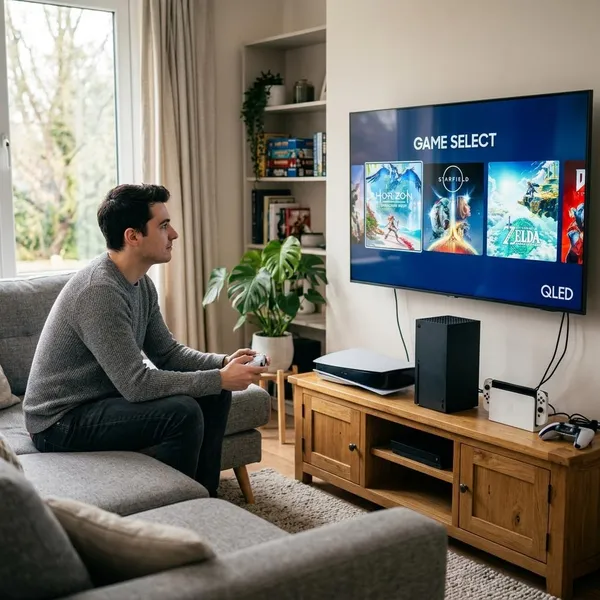
Choose by priority, not by the word "4K." First, pick the game library or ecosystem you actually want. Second, check whether your TV can show the console's best features. Third, think about storage, subscriptions, disc support, and whether the console fits the way your home uses the screen.
- If you care most about PlayStation exclusives and top visuals, start with PS5 Pro.
- If you want power plus service value, look hard at Xbox Series X.
- If you want the safest mainstream option, PS5 is hard to argue against.
- If handheld play changes how often you will use it, Switch 2 may be the better fit even with lower raw power.
PS5 Pro for premium PlayStation visuals
Pick PS5 Pro if you already know you want the best-looking PlayStation version of supported games and you have a TV that can show the difference. It is the premium choice for players who notice graphics modes, image reconstruction, ray tracing, and frame-rate stability.
Xbox Series X for the Xbox ecosystem
Xbox Series X is the better fit if you like Game Pass, own older Xbox games, want strong backward compatibility, or need a console that also works well for movies and streaming. It is less about one single exclusive title and more about the whole ecosystem being convenient.
PS5 for balanced 4K gaming
PS5 is the sensible middle choice: modern visuals, fast loading, strong exclusives, and a lower price than the Pro model. For many players, it gives enough 4K performance without making the purchase feel excessive.
- Good match: upgrading from PS4, PS4 Pro, Xbox One, or an older TV setup.
- Less ideal: buyers who always want the highest-end PlayStation graphics mode.
Switch 2 for portable and TV play
Switch 2 is the right answer when convenience and Nintendo games matter more than maximum resolution. It is especially strong for families, local multiplayer, travel, and homes where the main TV is not always available.
For a graphics-first buyer with a premium 4K display, it should not be the only console you compare. For someone who wants Mario, Zelda, handheld sessions, and casual TV play, it can easily be the most-used system in the house.
Conclusion
The smartest buy is the console that matches your games, display, and daily routine: PS5 Pro for premium PlayStation visuals, Xbox Series X for the strongest Xbox living room setup, PS5 for balanced 4K gaming, and Switch 2 for hybrid play. Check your TV and favorite game library before chasing the most impressive spec, because a console that fits your habits will stay satisfying longer than one chosen only for a headline resolution.
FAQ
Do all 4K console games run in native 4K?
No. Many console games use dynamic resolution or upscaling so they can keep smoother performance or better visual effects instead of rendering every frame at full native 4K.
Is PS5 Pro better than PS5 for 4K gaming?
Yes, if you care about premium visual modes and have a good 4K TV. If you mainly want the PlayStation library at a more reasonable price, the standard PS5 is still a strong choice.
Does Nintendo Switch 2 play games in 4K?
It can support 4K TV output for supported games or content when docked. Treat it as a flexible hybrid console rather than a direct replacement for a high-power home console.
Is Xbox Series S a 4K gaming console?
Not in the same way as Xbox Series X. Xbox Series S can connect to a 4K TV and may output upscaled 4K, but it is generally aimed at lower internal resolutions and lighter hardware demands.